
Already have tomorrow's lesson?
Upload it. Make it interactive.
Bring your presentation into Aula, start presenting, and add questions, drawing, typing, timers, video, and live checks for understanding.
Aula brings the tools teachers use to prepare, teach, engage, assess, and grade into one simple teaching workspace.
Use what you already have. Create what you need. Teach with fewer steps.
Already have an account? Teacher login
Already have tomorrow's lesson?
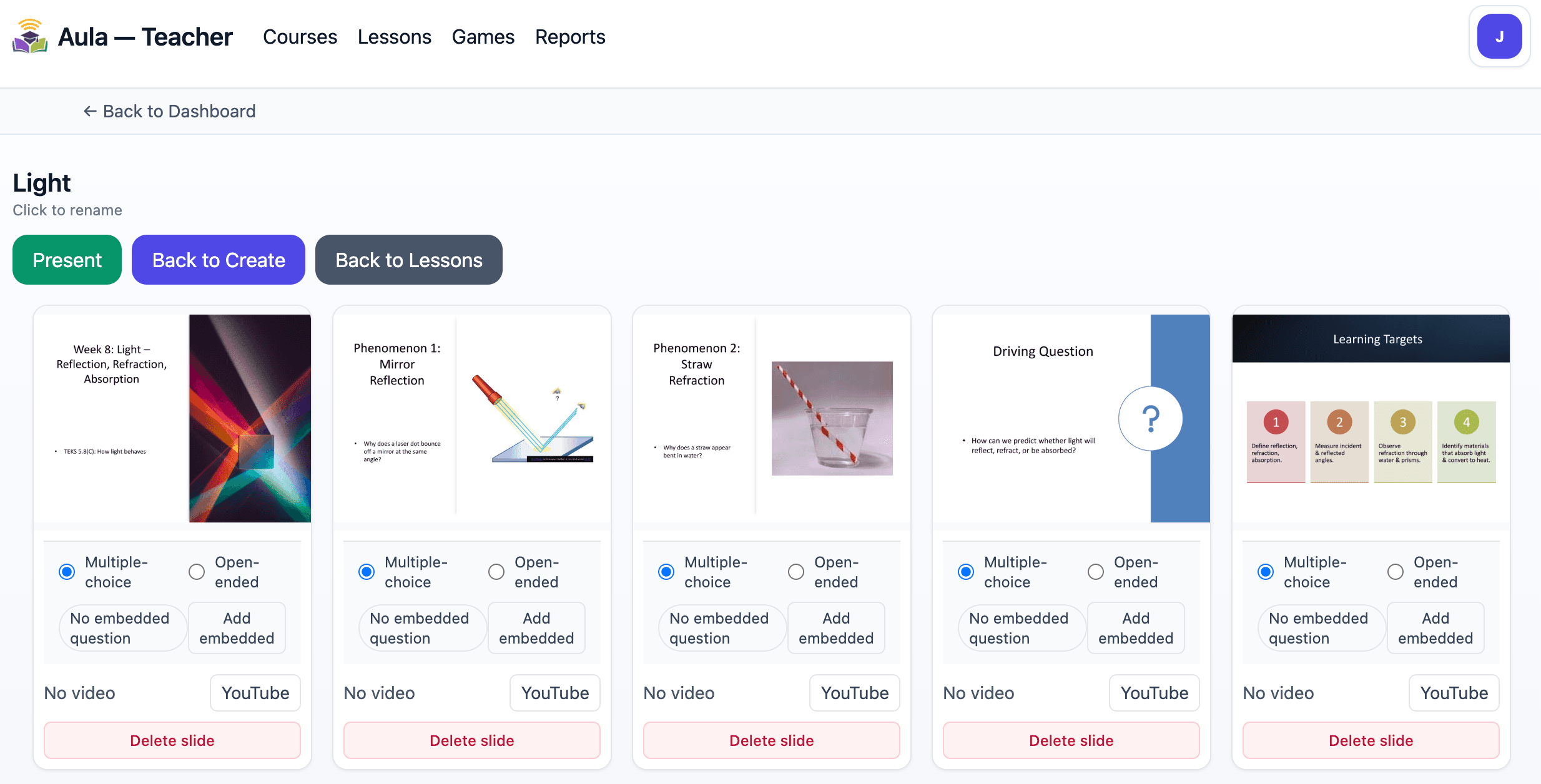
Upload the presentation you already planned to teach. Present it from Aula, ask a question when you need one, let students type or draw, and see responses while the lesson is happening.
One workspace for the work you already do
Keep the work connected from planning to instruction to assessment without bouncing between apps.
Bring in PowerPoints, Google Slides, PDFs, passages, prompts, and questions instead of rebuilding your work.
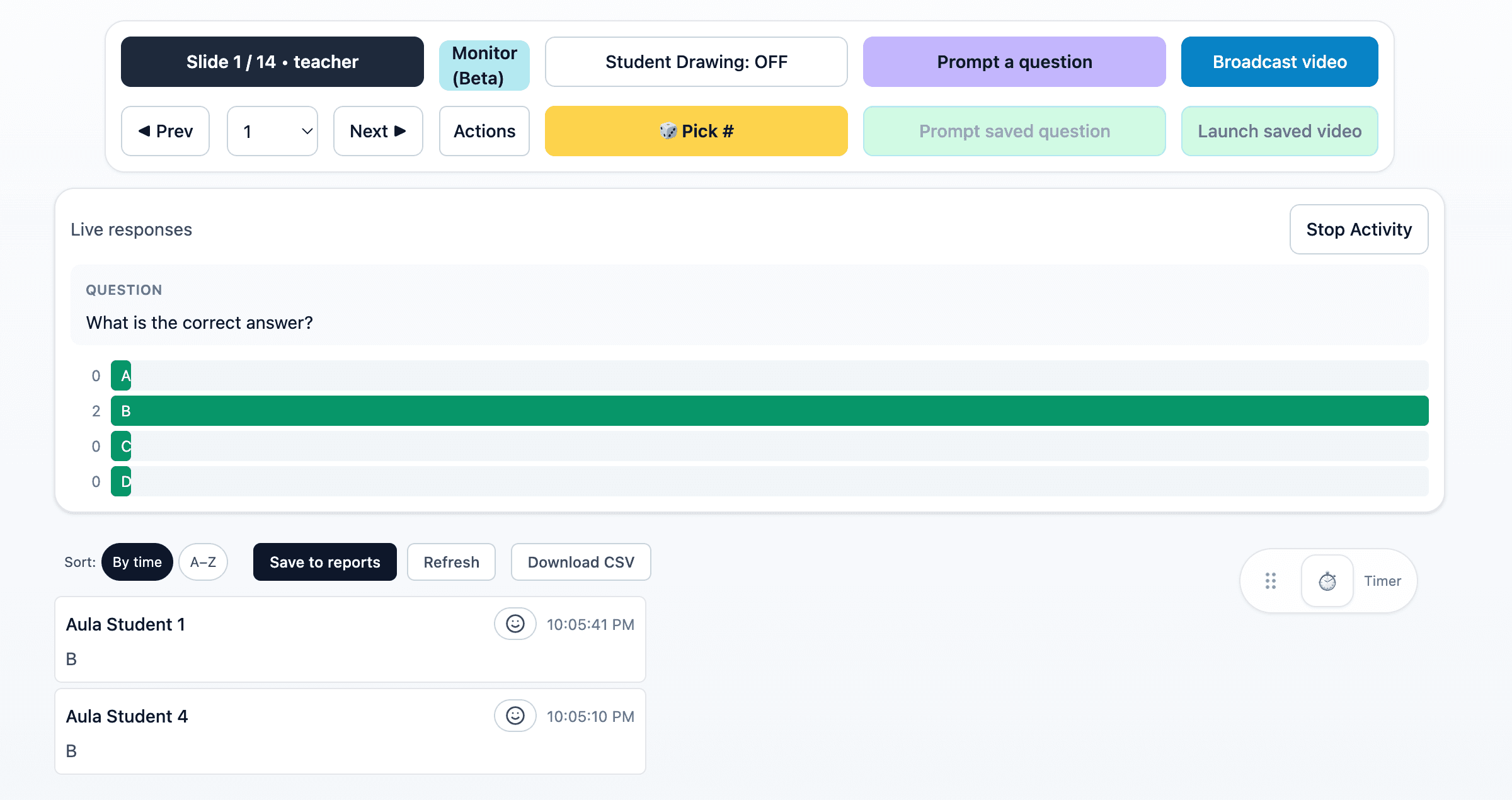
Teach from one workspace, write or draw in the moment, and keep the lesson moving without switching tools.
Students can join quickly, answer questions, type, draw, and participate while you see what is happening.
Build TEKS-aligned assessments, practice questions, games, and writing tasks without starting from scratch.
Review student work, use rubric-based ECR feedback, see reports, and export data for the trackers you already use.
Get to useful fast
Come for one fast task. Stay because the rest of the instructional workflow is already connected.
Already have tomorrow's lesson?
Bring your presentation into Aula, start presenting, and add questions, drawing, typing, timers, video, and live checks for understanding.
Need something aligned?
Choose what you need to assess and let Aula help draft questions and assessments that you can review before students see them.
Need practice or review?
Describe what you need or upload a passage or worksheet. Review the questions, then run the game live with students.
Done collecting writing?
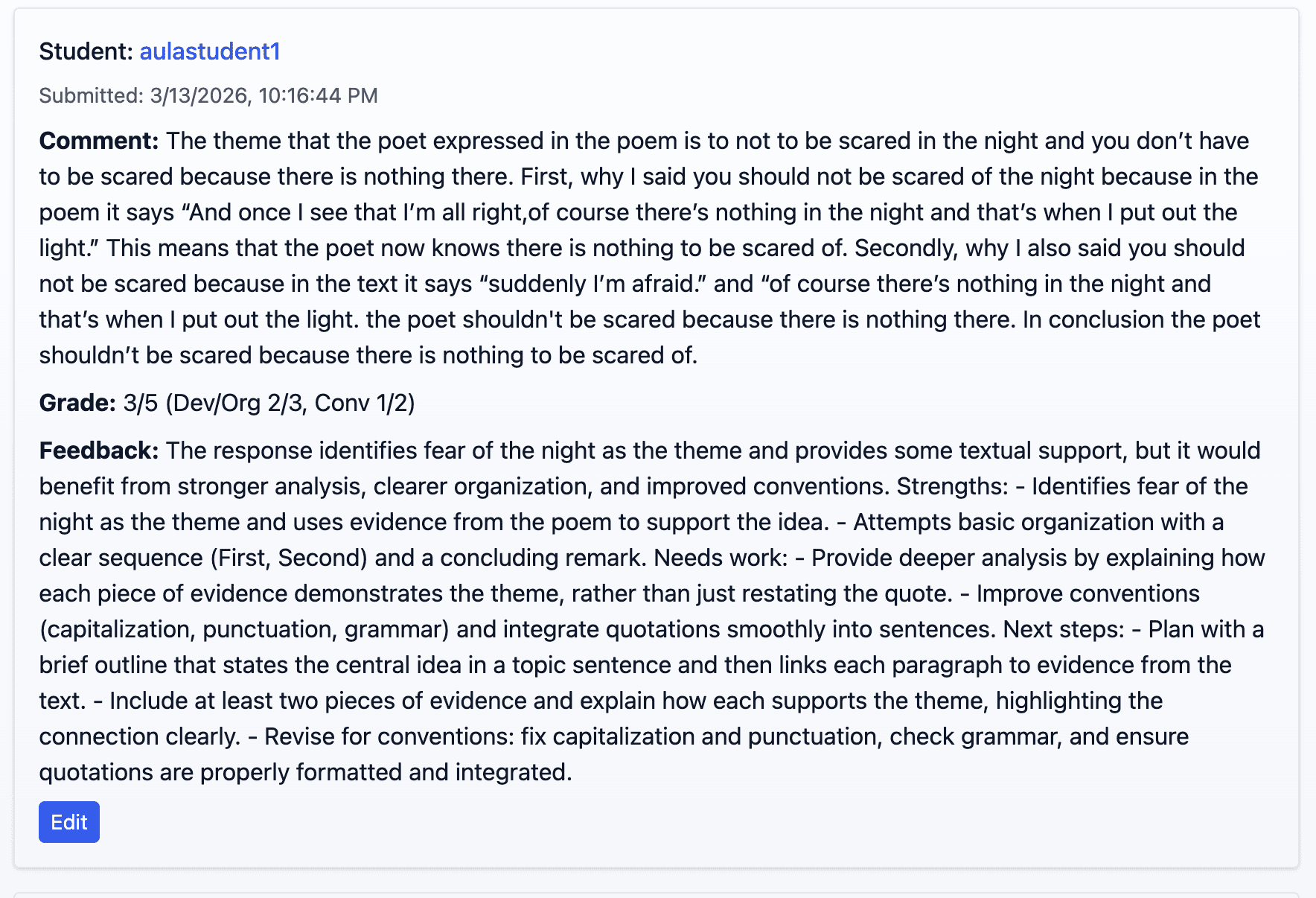
Students receive rubric-based feedback, teachers stay in control of review, and results can be exported for classroom trackers.
Student simplicity
Live participation should not start with a long setup. Students can get into a presentation quickly and stay in the same classroom experience as the activity changes.
Scan the QR code
Type your name
Start participating
After students respond
Review writing with rubric-based feedback, keep teacher judgment in control, and export student results for the trackers and workflows you already use.
See the workflow
Watch a quick walkthrough of live teaching, student responses, classroom monitoring, games, and grading inside Aula.
Teach more. Click less.
Teachers can create a free account. Students can jump straight to the join experience.